KTET photo & signature size at a glance
| Document | Size | File size | Also |
|---|---|---|---|
| Photo | 150 × 200 px | 20–30 KB · JPG | – |
| Signature | 140 × 60 px | 10–20 KB · JPG | – |
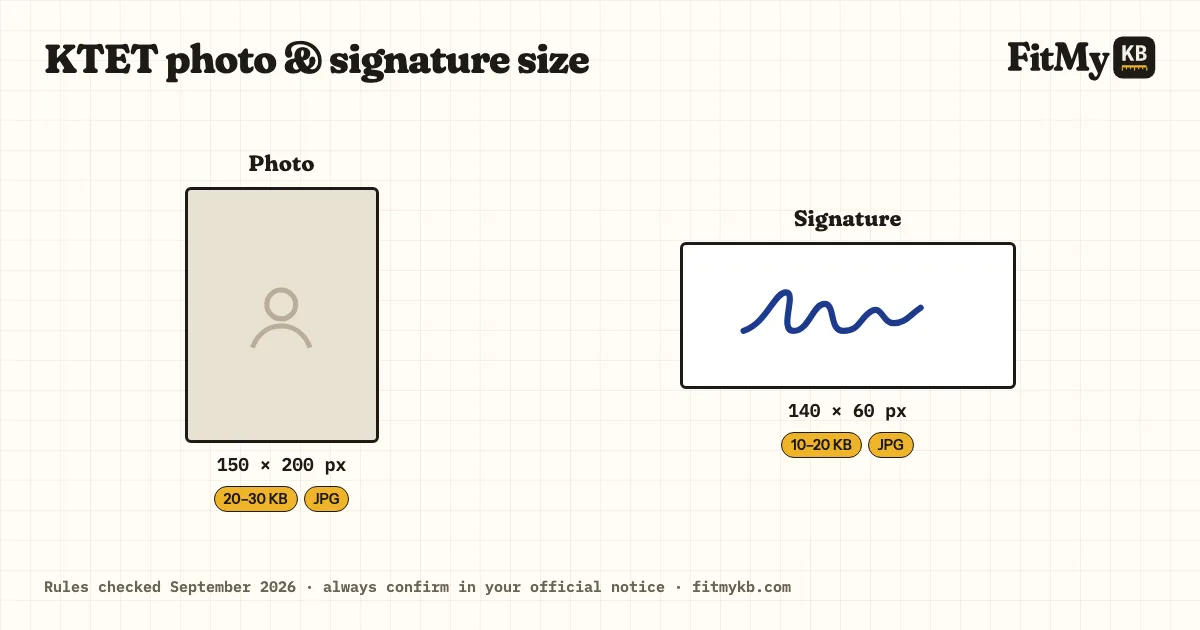
The KTET (Kerala Teacher Eligibility Test) upload rules, and a tool set to them: exact size, KB range, DPI.
Rules checked · always confirm in your official notice
| Document | Size | File size | Also |
|---|---|---|---|
| Photo | 150 × 200 px | 20–30 KB · JPG | – |
| Signature | 140 × 60 px | 10–20 KB · JPG | – |
KTET accepts 20–30 KB; aim for about 25 KB rather than the limit.
It must be 150 × 200 px; crop to that shape first, or the portal squashes or refuses it.
KTET accepts 10–20 KB; aim for about 15 KB rather than the limit. A small, clean file is raised into the range without changing how it looks.
It must be 140 × 60 px; crop to that shape first, or the portal squashes or refuses it.
Other reasons portals refuse a file, the same for every exam (a HEIC or PNG renamed to .jpg, a coloured background, a face too small in the frame), are explained in Exam photo rejected? Every reason and the fix.
Black ink on white paper.
Prepare 2 files: photo and signature, each within the limits in the table above. Apply only on the official website, ktet.kerala.gov.in.
KTET uses a small photo, 150 × 200 pixels, in a tight 20–30 KB band. Crop close to your face first so it stays recognisable at that size.
A 150 × 200 pixel photo is tiny: saved as a normal JPG it usually comes out at just 5–15 KB, below KTET's 20 KB minimum, so the form refuses it even though it looks fine. This page pads the file up into 20–30 KB without changing the picture, or keeps it under 30 KB if it's too big. Check both numbers before uploading, not just the maximum.
KTET gives the size in pixels, not centimetres: 150 pixels wide and 200 high for the photo (a 3:4 portrait), and 140 × 60 pixels for the signature. If a studio asks for centimetres, 150 × 200 px is about 1.9 × 2.5 cm at 200 DPI, but the pixel size is what the portal checks.
KTET has four categories: Category I (lower primary), II (upper primary), III (high school) and IV (language and specialist teachers). The same photo and signature rules apply to all of them, so prepare the two files once even if you apply for more than one category.
Crop close: head and top of the shoulders filling most of the frame, facing the camera, against a plain light background. A full-body or half-body photo shrunk to 150 × 200 makes the face too small to recognise at the exam hall check.
Drop your files in the box, or paste an image.
KTET is already selected; pick the document.
Press Prepare and download the result. Your files are deleted from the server straight away.
150 × 200 px · 20–30 KB. Check the latest KTET notice before uploading.
140 × 60 px · 10–20 KB. Sign in running hand on white paper.
150 × 200 pixels, between 20 and 30 KB, as a JPG. The signature is 140 × 60 pixels, 10–20 KB, in black ink on white paper.
Use this page: it raises the file into the 20–30 KB range without changing how the photo looks.
Yes, Categories I to IV use the same photo and signature rules.