Voter ID photo & signature size at a glance
| Document | Size | File size | Also |
|---|---|---|---|
| Photo | 3.5 × 4.5 cm276 × 354 px at 200 DPI | up to 200 KB · JPG | white background |
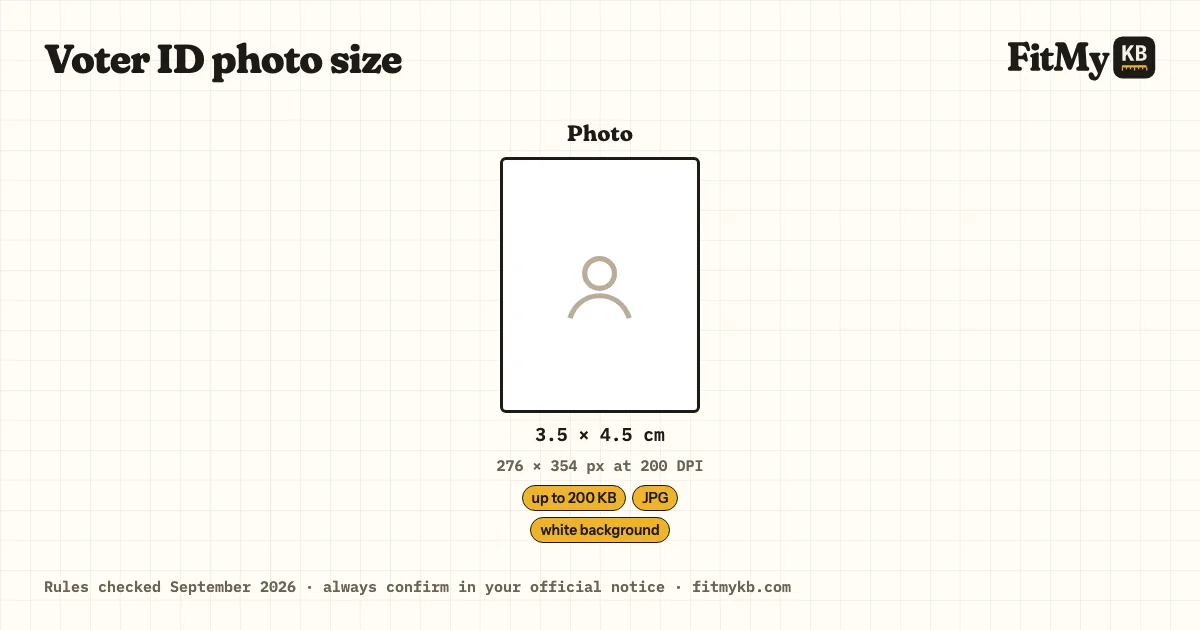
The Voter ID card (EPIC, Form 6 and Form 8) upload rules, and a tool set to them: exact size, KB range, DPI.
Rules checked · always confirm in your official notice
| Document | Size | File size | Also |
|---|---|---|---|
| Photo | 3.5 × 4.5 cm276 × 354 px at 200 DPI | up to 200 KB · JPG | white background |
Voter ID accepts up to 200 KB; aim for about 160 KB rather than the limit.
It must be 3.5 × 4.5 cm (276 × 354 px at 200 DPI); crop to that shape first, or the portal squashes or refuses it.
Other reasons portals refuse a file, the same for every exam (a HEIC or PNG renamed to .jpg, a coloured background, a face too small in the frame), are explained in Exam photo rejected? Every reason and the fix.
Unsigned colour photo, eyes open, both edges of the face visible.
The ECI's Form 6 guidelines give the photo as 3.5 × 4.5 cm on white. The web portal accepts larger files (up to 2 MB), but the Voter Helpline app and some forms cap uploads at 200 KB, so this preset stays under 200 KB for both.
Prepare 1 file: photo, each within the limits in the table above. Apply only on the official website, voters.eci.gov.in.
For a new voter ID (Form 6) or a photo change (Form 8) on voters.eci.gov.in, use a recent passport-size colour photo on a white background with both eyes open and both edges of the face visible. This photo is printed on your EPIC card for years, so take a good one.
Drop your files in the box, or paste an image.
Voter ID is already selected; pick the document.
Press Prepare and download the result. Your files are deleted from the server straight away.
3.5 × 4.5 cm at 200 DPI · up to 200 KB · white background. Check the latest Voter ID notice before uploading.